

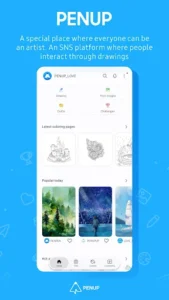
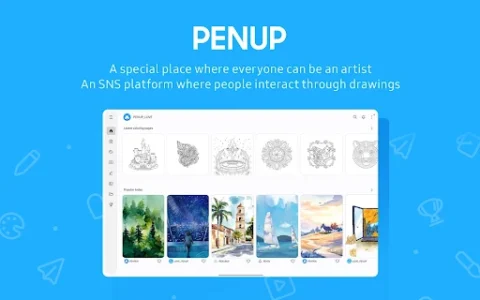
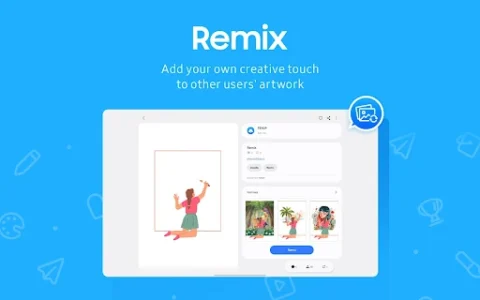
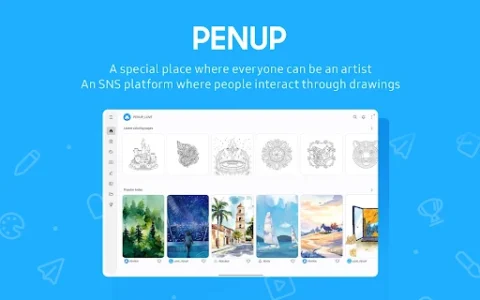
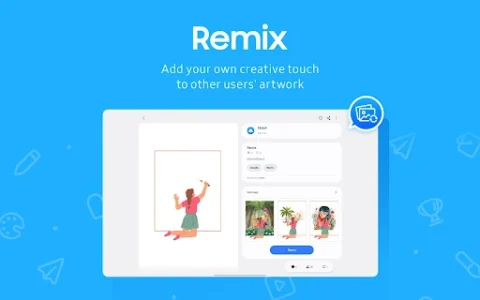
PENUP – Drawing-sharing SNS is an app designed for creating, sharing, and discovering various pen-drawn content. It enables users to express their thoughts and everyday life through drawings and share them with a global community. The app facilitates artistic development through structured activities like coloring, utilizing templates, and guided drawing methods, while also providing a platform for social interaction around shared artwork. Users can engage with trending creations from others and communicate through comments on shared pieces.
Drawing Features and Skill Development
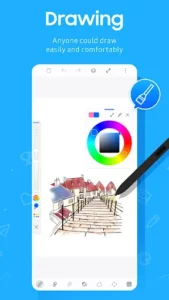
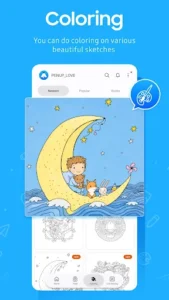
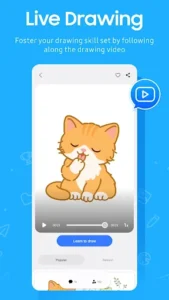
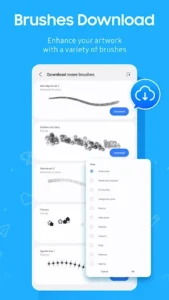
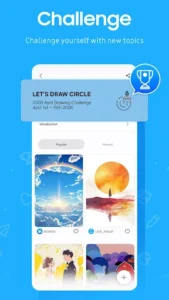
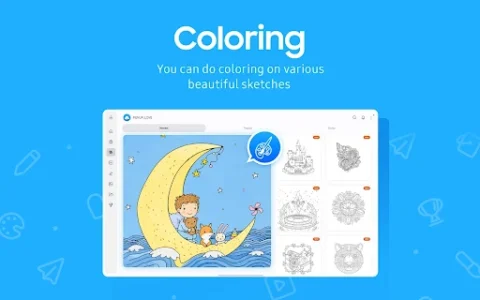
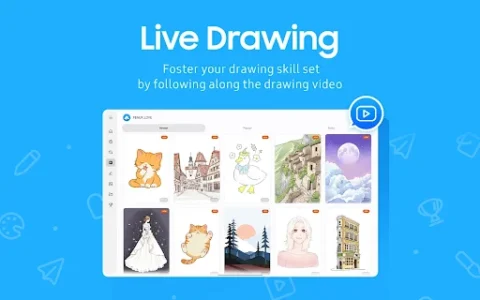
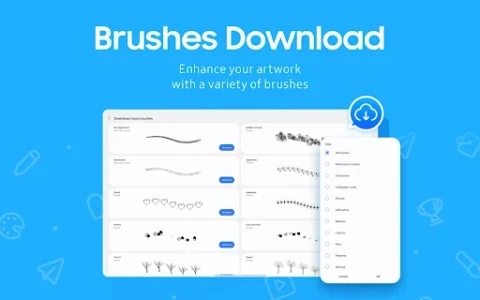
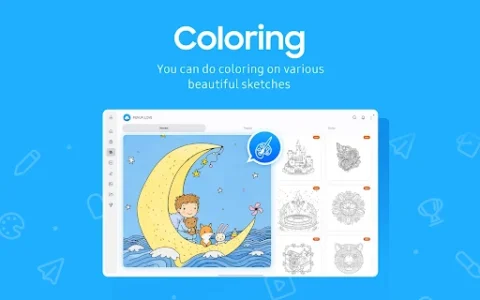
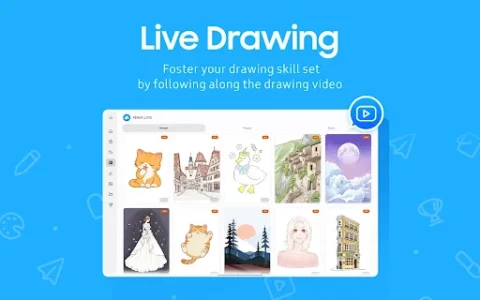
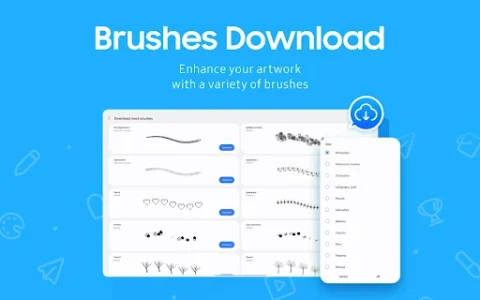
The app offers a range of tools to support drawing activities. Users can engage in coloring by selecting from a variety of coloring book pages. For those looking to practice or improve their skills, the app provides diverse templates. It also includes specific aids like Live Drawing, which guides users through a video drawing follow-along, and Photo Drawing, which assists in drawing with a photo as a reference. Additionally, users can test their abilities by participating in various drawing challenges. A new brush has recently been added as a drawing tool, enhancing the available options for creation.
Sharing and Community Interaction
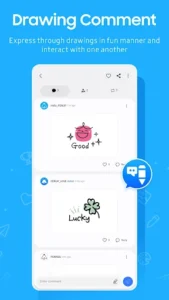
PENUP functions as a social network centered around art. After creating drawings, users can share their work within the app. The platform also allows users to explore and appreciate creations from other artists, particularly through a section dedicated to Trending Works. Communication is fostered through the ability to comment on other users’ drawings and engage in discussions about shared content.
App Access Permissions
To function fully, the app may request certain permissions. For devices running Android 9 or lower, optional storage permission is requested to facilitate uploading drawings to PENUP or downloading them from the service. On Android 13 or above, optional notification permission is requested to provide alerts regarding activities related to a user’s drawings, followers, and individuals they are following. For users with system software versions lower than Android 6.0, updating the software is necessary to configure app permissions, and previously granted permissions can be reset via the Apps menu in device settings after the update.















Write a review